
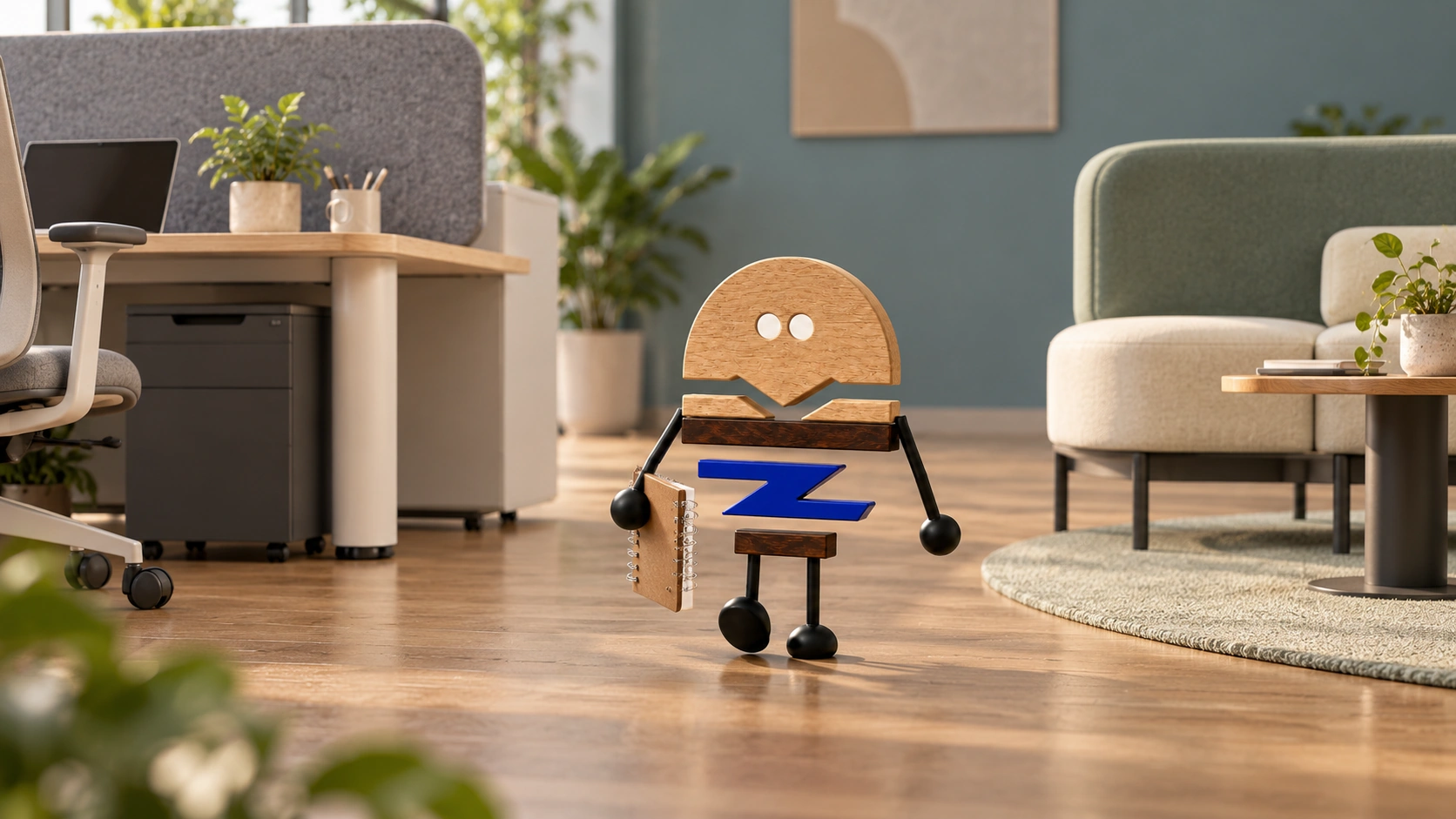
An open office can make room for focus without closing everything off. Plan circulation, sightlines and conversation distances so concentrated work has a considered place.
Interruptions in an open office do not necessarily come from the loudest sound. They may be people waiting at a printer, constant movement behind a seat or brief conversations that start at any moment. Without distinguishing the problem, another desk screen can become a visible change that leaves the actual source untouched.
Allsteel's public Rhythms of Work presentation brings focus, collaboration and other activities together in a space. This article uses distraction maps and scenario comparisons to consider furniture, activities, positions and management within one layout, identifying adjustments at different levels.
Meichun observation · 01
Record interruptions before choosing a boundary.
Observe an ordinary working period: where people pass, where they stop, where brief conversations and calls occur, and where screen reflections enter. Putting these observations on a plan identifies the actual problem more readily than starting with the height of a screen.
For example, workstations near a printer face both passing traffic and queues. Mark waiting positions, equipment locations, queue directions and workstation orientation on the same plan, compare adjustments against everyday actions, then arrange visual and circulation boundaries.
Distinguish occasional and continuing events in the record. One visit may not justify redesigning an entire area, while repeated routes and activities need a systematic arrangement. Calling every inconvenience noise removes the opportunity to find the appropriate level of response.
Look at the same route from different seats as well. A main passageway may have little effect on one row, yet constantly enter the peripheral view of another facing the opposite direction. Identical screens in the two locations may not answer the same problem. A boundary should address the direction of distraction rather than simply standardise the whole area.
Meichun observation · 02
Visual screening and sound need different plans.
Screens organise the visibility of desktops and displays, while sound is considered through distance, spatial surfaces, transmission and ways of speaking. Compare furniture positions, activities and site conditions together to address visual boundaries and the sound environment separately.
A visual list can record the directions and content to screen, while a sound list records recurring activities. Frequent video calls may need an appropriate calling position, and brief discussions between two people may suit a nearby collaboration point. Do not place every source of distraction onto the same screen.
Claims about sound performance need a corresponding product, method and site conditions. In comparisons, record sound during conversation, focused work and equipment operation, then organise space with the site conditions in mind.
Meichun observation · 03
Make collaboration easy to reach without crossing other people's work.
If a collaboration point is too far away, people may continue discussing at their desks. If its entrance sits next to focused seats, every brief discussion may become background activity for neighbours. Review the actual walking route rather than measuring only a straight-line distance.
Walk from one workstation to the discussion point, then from another group. Observe whether the route crosses someone else's main work area or requires avoiding storage and chairs. An attractive seating arrangement does not by itself provide an appropriate approach.
The aim is not to isolate collaboration in an unused corner, but to provide a natural entrance for changing activities. Furniture positions and team habits need to work together; otherwise new spatial zones appear while activities remain in their old locations.
Meichun observation · 04
Do not reduce actual usability when adding boundaries.
Desk screens, side panels, storage and accessories all occupy movement space. Add real equipment, documents and chairs during a sample trial to check reaching, chair movement, standing up and entry. Observing equipment, chairs and people together in one layout helps clarify everyday routes.
Shared workstations also need resetting and adjustment. Stable interfaces can remain, but make clear which accessories users may change and how they should restore them. Too much fixed organisation may restrict personal configurations, while no boundary can allow belongings and cables to extend into a neighbour's position.
A discussion of boundaries should therefore consider not only what is concealed but what remains inside. If a panel makes equipment connections or daily cleaning difficult, include that cost in the comparison rather than leaving users to overcome it later.
Meichun observation · 05
Compare before and after using the same activities.
Simulate quiet document work, a colleague's brief question and a nearby video meeting separately. Observe which activities stay at the workstation, which move naturally and whether that movement interrupts anyone else. This comes closer to the goal than a judgement that the space looks more layered.
Compare the same scenarios, assessment points and workload in both schemes, recording the activities, positions and experience. Those records can show how distractions and connections differ, giving the discussion of furniture and space a concrete basis.
The manufacturer can review desktop, screen and accessory connections, while the project team adds people, activities and spatial conditions. Furniture helps create boundaries but does not replace collaboration habits. A useful outcome for focus in an open office states which distraction is reduced and which connection is kept, rather than adding the same screening everywhere.
PRACTICAL CHECKLIST
Bring these questions to the table.
Use these points to discuss product selection, configurations and the requirements of your project.
- 01A distraction map
Mark movement, waiting, conversation, calls and screen sightlines separately instead of assigning every problem to the screen.
- 02Routes between activities
Is the discussion point naturally reached from the workstation, without crossing other people's focus areas?
- 03Space for use
With actual equipment and chairs in place, review legroom, entry and exit, reaching and standing up.
- 04Validation boundaries
Visual screening is not sound insulation; conclusions about acoustics need relevant tests and conditions.
Official brand product information informs the discussion of office furniture and space. Meichun perspectives and manufacturing notes express our views on products and making.
Original illustrations use the Meichun logo character and furniture to introduce product, component and spatial relationships.
- Allsteel|Fulton Market Experience Center · Rhythms of Work
The official spatial presentation provides a starting point for considering focus and collaboration together. Distraction maps, use scenarios and furniture checks are Meichun's extended observations on spatial configuration.
View official source ↗ - Meichun|Meichun perspectives on selection and manufacturing · 2026-10-04
Meichun shares perspectives on selection and configuration through use scenarios, product relationships and manufacturing methods. Original illustrations introduce the arrangement of furniture, components and space.