
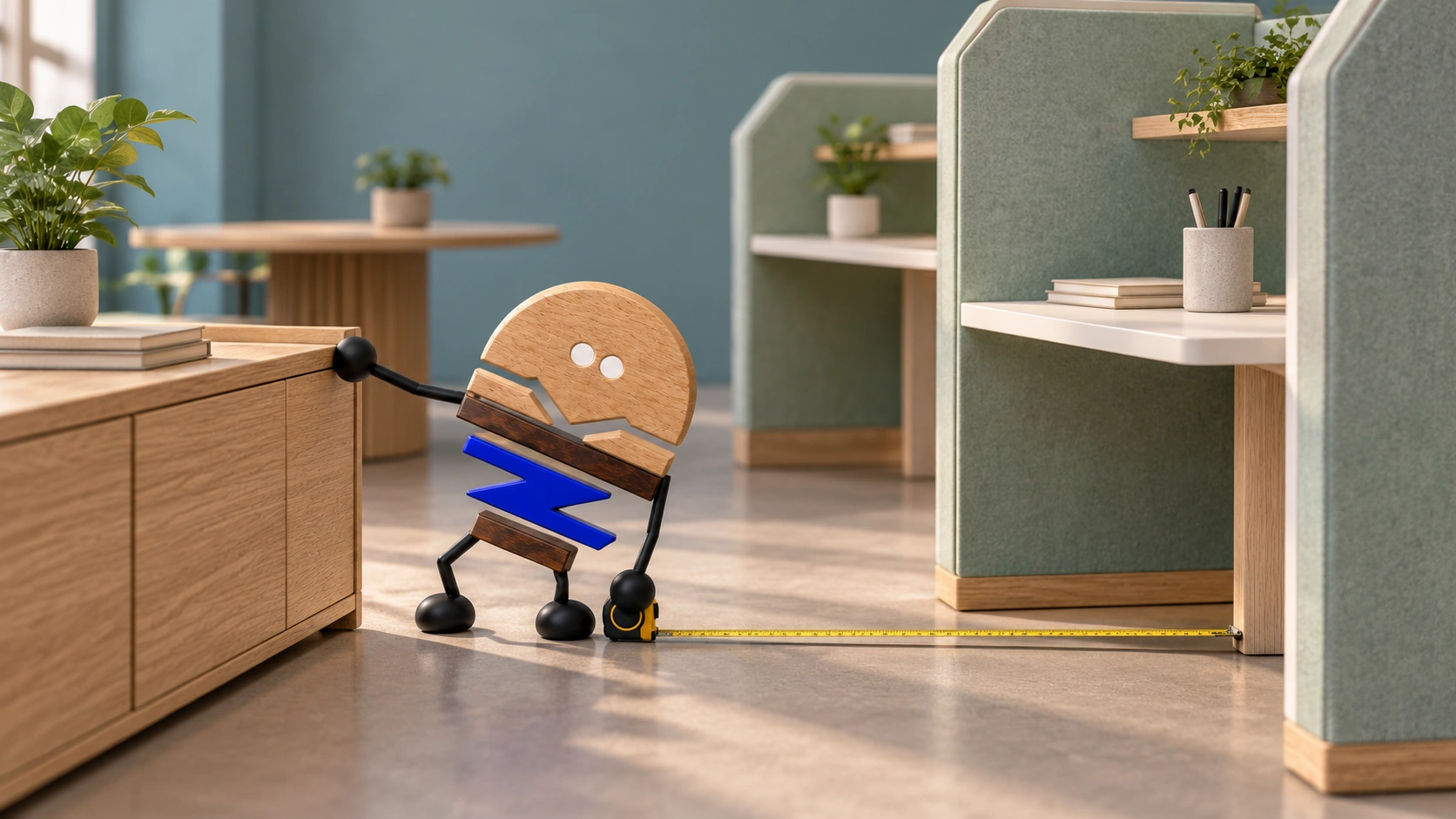
Open office planning considers how cabinets, screens, seating orientation, storage and technology routes form light boundaries, alongside workstation counts.
Activities drive furniture towards spatial systems. This article addresses one specific situation: maintaining order in an open office.
Open offices are often first understood as fewer partition walls, more workstations and greater openness. In use, missing boundaries can interrupt sightlines, leave brief discussions without a place, scatter shared items, put cables into circulation routes and send passing people through personal work areas.
01 · OPEN, WITH BOUNDARIES
Openness still needs boundaries.
An open area without boundaries may look spacious yet allow activities to interfere. Everyone can see everyone else, circulation crosses workstations, impromptu conversations take place beside other people, storage lacks defined levels and equipment maintenance has no planned route.
Boundaries also involve more than taller screens. Overly high screens fragment the space, misplaced cabinets block circulation, and lounge areas too close to workstations affect concentration. The questions are where boundaries belong, what creates them and how much separation they provide.
02 · FOUR STATES
Open areas accommodate focus, conversation, movement and brief stops.
Focused work needs fewer visual and circulation interruptions. Conversation needs places for short stops. Passing traffic needs clear routes. People lingering need places clear of work areas.
Official materials for Knoll Dividends Skyline and Kettal Workplace provide context through system components and varied working activities. Light boundaries move from fixed walls to cabinets, screens, seating orientation, storage and technology routes.
03 · FOUR BOUNDARY QUESTIONS
Light boundaries answer four practical questions.
Light boundaries concern a set of use requirements as well as form. Assess sightlines, passing traffic, items and technology routes separately, rather than using one screen height to address every conflict.
- Key point 01What needs screening?
Reduce direct visual interruptions without enclosing the space completely.
- Key point 02Where do people pass?
Main circulation and access to shared items should not repeatedly cross personal work areas.
- Key point 03Where do items belong?
Separate personal, team and shared items, equipment and long-term documents into appropriate storage levels.
- Key point 04How does technology enter?
Power, network cables, height adjustment, monitor arms and maintenance covers affect circulation, under-desk space and cabinet positions.
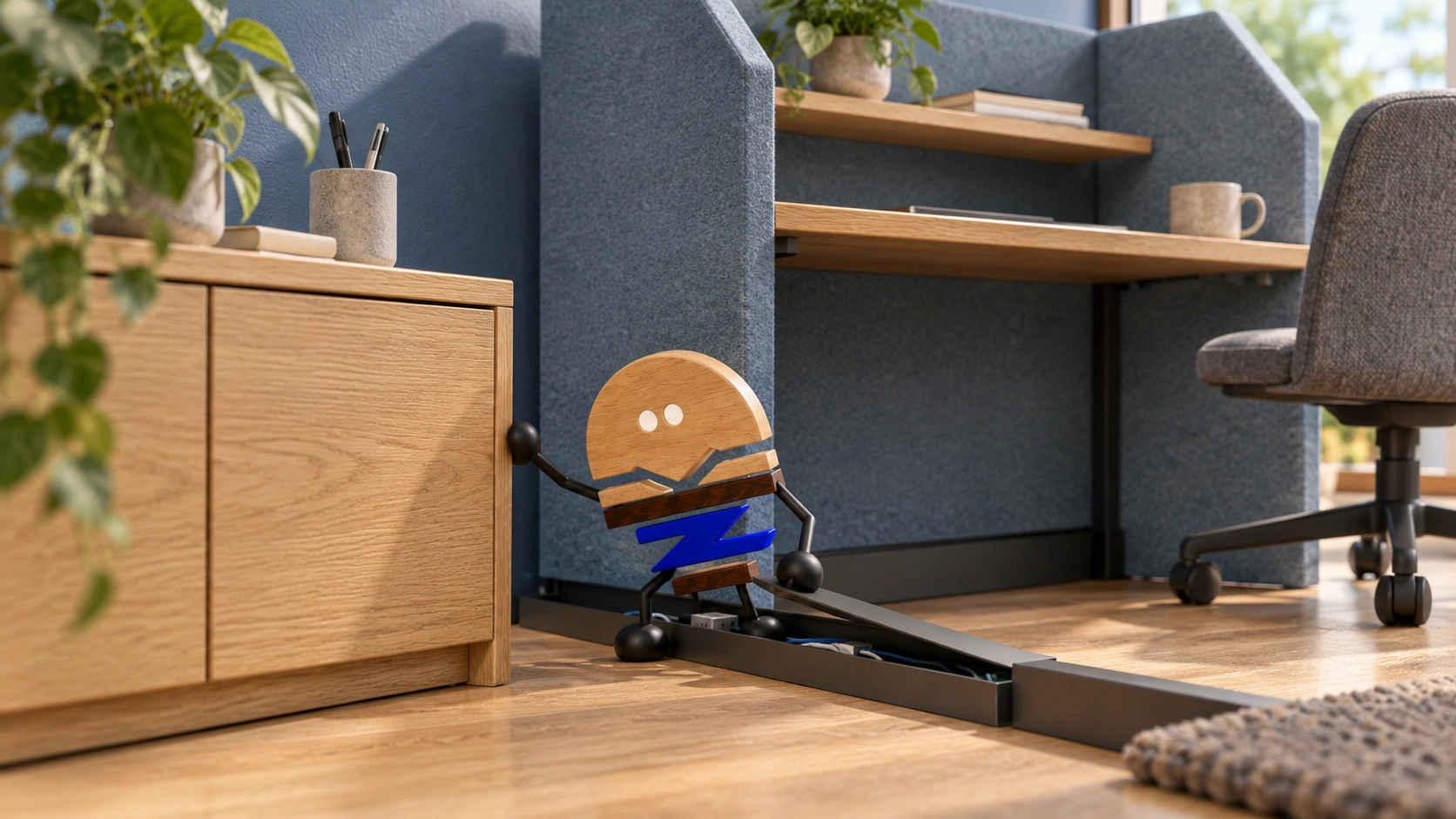
04 · VERIFY A TYPICAL UNIT
Start by assessing a representative unit.
Open offices usually consist of repeated units. A representative unit might include several workstations, shared cabinets, necessary screens, cable routing and a discussion point. Resolving this unit before repeating it across a floor reduces risk.
Assess six actions in the representative unit: sitting, passing, retrieving items, connecting power, cleaning and maintenance. An empty setting alone does not show whether its boundaries support these activities.

05 · WHEN SIMPLE OPEN WORKS
Low-density, stable areas can use simpler schemes.
Temporary teams, low-density offices and areas with fixed users and little discussion may be better served by simple workstations and basic storage.
Light boundaries are useful where density, discussion, shared items and technology requirements are high, or where future reconfiguration is likely. Otherwise, excessive screens and modules increase installation and maintenance costs.
06 · REPEATABLE RULES
Modules can vary; connection and installation rules stay consistent.
Workstations, screens, cabinets and metal supports may come from different production lines, but need shared rules for hole positions, connections, colours and installation sequence. An unclear connection is amplified across repeated units.
Manufacturing preparation covers representative combinations, numbering, packaging, on-site orientation and replacement methods, alongside individual products. Larger quantities leave less room for improvised installation decisions.
PRACTICAL CHECKLIST
Check five questions before planning an open office
Identify conflicts first, then decide screen, cabinet and workstation quantities.
- 01Activities
Mark places for focus, conversation, movement and brief stops, and where they conflict.
- 02Boundary tools
Decide whether screens, cabinets, seating orientation, lounge positions or technology modules provide each boundary.
- 03Storage
Where do personal, team and shared items, equipment and long-term documents belong?
- 04Technology
Are routes for power, networks, height adjustment and displays clear?
- 05Representative unit
Assess one unit before expanding across a floor or multiple projects.
Official brand product information informs the discussion of office furniture and space. Meichun perspectives and manufacturing notes express our views on products and making.
Original illustrations use the Meichun logo character and furniture to introduce product, component and spatial relationships.
- Knoll|Dividends Skyline
Used to observe screens, storage, height-adjustable elements and other components as parts of one open office system.
View official source ↗ - Kettal Workplace|Kettal at NeoCon 2026
Used to observe the relationships between collaboration, focused work, retreat and informal discussion within one working environment.
View official source ↗