
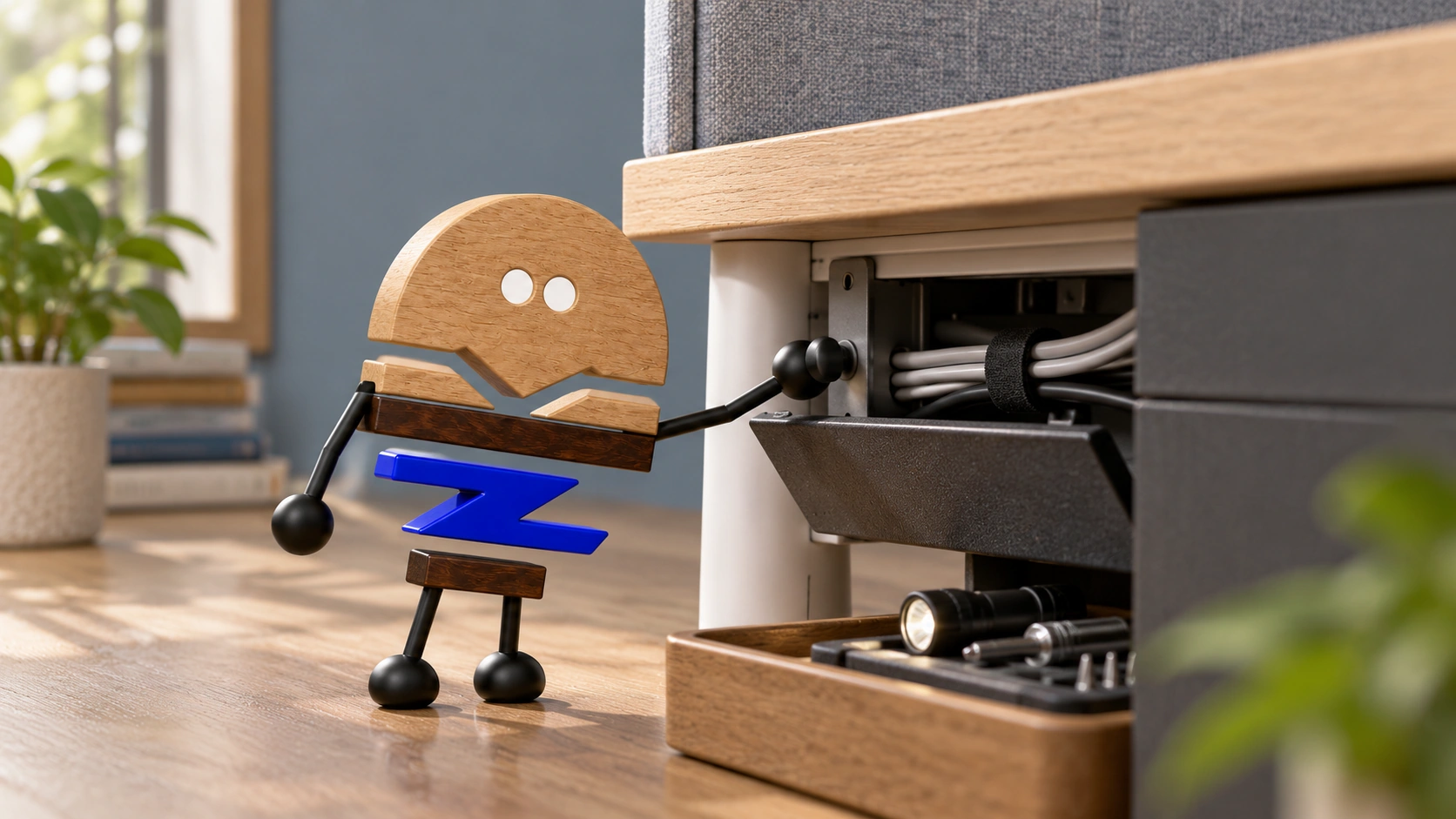
Look at workstations where panels, brackets, cable routes and edges meet. A coherent system does not hide all its parts; it makes connections, adjustment and maintenance clear.
A workstation may look orderly from a distance, yet once seated the user may find brackets taking up space, cables taking detours, accessories difficult to remove or joints difficult to clean. These problems often occur where desktops, panels, connections and power meet, rather than inside a single part. A coherent system needs interfaces that work together, not every component hidden away.
Steelcase's official Aisla introduction includes panels, power and concealed connections. This article turns typical junctions into questions design, manufacturing and installation can review together, clarifying relationships between panels, connections and maintenance.
Meichun observation · 01
Design the junction as carefully as the products it connects.
A desktop meets a screen, a screen meets accessories, and a cable tray meets power. If each party defines only its own part, obstructions, gaps and operating sequences after assembly may have no owner. Give each junction a shared reference and define what supports what, what covers what and the side used for operation.
Choose a common junction, draw the panels, connections and tool route, then return it to the complete use arrangement. A detail page is valuable not for the number of drawings, but for linking design intent with installation actions.
A junction that works in a straight arrangement needs a separate review at a corner or end. One successful assembly should not turn every combination into a validated module.
Meichun observation · 02
Closed appearance and open service access are different states.
Concealed brackets can maintain a continuous appearance, but access for operation must not be known only to the designer. Where the installer stands, where a tool enters and where a removed component is temporarily placed all affect later maintenance.
Review joints when closed and actions when opened separately. Removing a whole panel to service a small fitting is not necessarily unusable, but its service cost should be clear. Do not simply remove hardware from a rendering without explaining installation, removal and restoration.
The installation sequence should also be clear. If an accessory must be installed before the next fixing is reachable, replacing that accessory later may affect neighbouring modules. Use the sequence to clarify the relationship between accessories and fixing positions for maintenance and individual replacement.
Meichun observation · 03
Follow cable routes beyond the desktop opening to the building interface.
A desktop opening provides only an entry point. Cables still pass beneath the desk, through neighbouring workstations or to wall and floor connections, meeting supports, covers and people's movements along the way. Draw the whole route with equipment positions rather than providing separate opening drawings and building connection plans.
Distinguish equipment cables used for everyday connection and disconnection from system connections that should not change casually, both in documents and operation. Otherwise replacing one device may require dismantling the entire arrangement underneath the desk.
The relevant specialists confirm electrical design, installation and compliance for the project. The furniture team provides accurate channels, openings and maintenance boundaries, coordinating equipment connections and service access with the specialist system for installation and everyday operation.
Meichun observation · 04
When materials change, review edges and connections as well as colour.
Fabric, veneer and other boards within one system may differ in thickness, edge profile and fastening. Compare colour, thickness, edges and connections together when selecting materials, assigning an appropriate method to each panel.
Observe samples from the front, rear, seated position and corner. A continuous seam at the front may expose a board edge at the rear, and a fine-looking trim may affect cleaning or replacement.
Define which areas remain stable, which panels may vary and which junctions need review after a change. Adding a finish then involves more than updating a colour code while overlooking the physical fit.
Meichun observation · 05
Assemble a typical workstation before discussing expansion.
Overall scenes show how a workstation is organised, while representative workstation and corner samples reveal connections, under-desk organisation, accessory positions and access for servicing individual parts. Record how the junctions are assembled and used, alongside tool routes and everyday actions.
Use actual equipment and chairs in the trial, and ask installers, users, cleaners and maintenance staff to assess the same arrangement. Different roles may find different gaps; the appearance review cannot stand in for those separate checks.
Afterwards, record base modules, expansion choices and interface positions. Organise desktop, screen, storage and accessory combinations into clear configurations for selection and later additions.
Keep combinations that do not work in the assembly record as well as photographs of successes. A corner needing another fitting or a panel unable to use the original fastening are useful results. Record fittings, panels and fastening methods with the combination drawing to help customers find the corresponding expansion option.
Meichun observation · 06
A complete system makes small changes explainable.
When a panel is replaced, an accessory added or equipment moved later, the documents should identify the affected junction, required parts and the person responsible for review. If every change means guessing again from an overall drawing, the system relationships have not been fully handed over.
Workstation details deserve to be seen because they connect manufacturing, installation and daily use, not because more technology needs to be displayed. Explaining one junction clearly helps a customer choose accurately more than a general promise that the whole system is flexible.
PRACTICAL CHECKLIST
Bring these questions to the table.
Use these points to discuss product selection, configurations and the requirements of your project.
- 01Responsibility for junctions
Are the interfaces between desktops, panels, accessories and power shown clearly with an identified owner?
- 02Operating routes
Are concealed connections still reachable, with tool space and assembly sequence confirmed?
- 03Material compatibility
Do thickness, edge profile and fastening correspond to the particular panel rather than only its colour?
- 04Assembly validation
Review assembly relationships using typical connection and corner samples, then document the components and interfaces of larger combinations.
Official brand product information informs the discussion of office furniture and space. Meichun perspectives and manufacturing notes express our views on products and making.
Original illustrations use the Meichun logo character and furniture to introduce product, component and spatial relationships.
- Steelcase|Aisla
The official workstation product page provides a reference for panels, connections and power. Junction checks, installation simulations and material reviews are Meichun's extended observations on product development.
View official source ↗ - Meichun|Meichun perspectives on selection and manufacturing · 2026-10-04
Meichun shares perspectives on selection and configuration through use scenarios, product relationships and manufacturing methods. Original illustrations introduce the arrangement of furniture, components and space.