
A height-adjustable desk still needs legroom. Review drawers, side cabinets, structure and cables alongside posture, storage access and the full range of movement.
Height adjustment and storage are each attractive on their own, but together in one executive desk they compete for the user's space. Neat closed drawers and smooth upward movement do not tell us whether sitting down, stretching the legs, retrieving items and standing up all work well. Selection should start with everyday actions rather than the mechanism's travel alone.
Eureka Ergonomic's official ARK page presents height adjustment alongside drawer storage. This article uses that combination to explore fixed storage and moving desktops, considering retrieval, seated posture and height changes within one scheme.
Meichun observation · 01
Sit at the desk before pressing the height button.
At the sample, place the intended chair, keyboard and regularly used equipment in position. Observe whether approaching the edge, moving the knees forwards and backwards, positioning the feet and changing posture require avoiding drawers or crossbars. Looking underneath only at the highest setting can easily miss restrictions in the main seated position.
Invite the actual users to perform everyday actions, recording body, chair and configuration conditions separately. Records of sitting, reaching, moving the chair back and retrieving items clarify different users' needs and support comparisons of desktops, chairs and storage.
If the user has to stay away from the desk edge or the armrests conflict with a drawer, identify the action involved before discussing a change to the storage, desktop or chair. A larger desktop does not necessarily resolve a conflict beneath it; the change needs to address the actual problem.
Meichun observation · 02
Plan drawers around objects and frequency of use.
Pens, notes, thin books, file boxes and equipment involve different retrieval movements. Putting all storage in one large drawer may also place rarely used objects in the main leg space. Separate frequently used items from reserves before deciding what belongs underneath and what belongs at the side.
A side cabinet is not an unconditional answer either. An open door or drawer may meet the chair, its width may restrict sideways movement, and retrieving an item may require leaving the working position. Review the open and closed states together.
Try a real task sequence with the sample: pick up a pen, retrieve a file, close the drawer and continue typing. If every retrieval requires a substantial move backwards, record the movement position and access frequency together, then adjust storage positions and movement routes to make everyday items easier to reach.
The same objects can be compared in two storage arrangements: frequently used small items near the working surface with occasional files in a separate cabinet, or everything beneath the desk. Observe whether retrieval movements decrease and legroom remains, then discuss appearance and the number of pieces. This comparison does not assume either option is better, but gives a reason for change beyond adding one more drawer.
Meichun observation · 03
Map fixed parts, moving parts and the user's movements together.
Some storage moves with the desktop and some stays fixed, so the distances between adjacent elements change with height. Follow the product instructions through the full range rather than saving only static images of the highest and lowest settings. Relationships may also change partway through the movement.
Overlay the person's movements, drawer opening and desktop travel on one drawing to help organise space beneath the desk, storage positions and cable routes.
If an action requires storage to be closed or equipment moved first, make that visible in the instructions rather than relying on a one-off verbal reminder from an installer. Users should also know which areas must remain clear when they later move their belongings.
Meichun observation · 04
Plan cable routes for the full range of movement.
Whether equipment sits on the desktop or in a fixed cabinet determines where cables pass between moving and stationary parts. Cables may look long enough while fastening, protection, connections and maintenance remain unresolved. Excess cable can also get in the way of the user or enter the furniture's range of movement.
When selecting a sample, follow the route from the equipment to its connection point throughout the full range permitted by the product. Record connection, fastening and protection positions together so the cables keep a clear operating route through every height.
Access for servicing also needs to remain available. If a side cabinet has to be removed after assembly just to locate a connection, establish that service cost during configuration rather than allowing a neat appearance to conceal it.
Meichun observation · 05
Review functions through a continuous sequence of actions.
A complete trial can include sitting down, approaching the desk, retrieving an item, closing storage, adjusting height and standing up. Observe each action and the transitions between them. A height-adjustment demonstration alone should not carry the entire conclusion about suitability in use.
The manufacturer should record geometry, fastening, operating sequence and applicable conditions separately. Link durability, collision control, load and ergonomic requirements to specific configurations, helping arrange products and space around sitting, retrieval and height changes.
Users who mainly work digitally may need clear cable routes and a few frequently used objects, while large amounts of paper call for a different storage arrangement. More drawers do not necessarily make a more complete solution. Height adjustment and storage become meaningful together when the functions work for the same person through the same sequence of actions.
PRACTICAL CHECKLIST
Bring these questions to the table.
Use these points to discuss product selection, configurations and the requirements of your project.
- 01A real seated trial
Use the actual chair and equipment to check approach, leg extension and changes of posture.
- 02Retrieval movements
Allocate storage by the objects and their frequency of use, reviewing both open and closed states.
- 03Full travel
Follow the instructions to check fixed and moving layers together with cable relationships.
- 04Applicable conditions
Record the user, chair and configuration rather than generalising from one person's experience.
Official brand product information informs the discussion of office furniture and space. Meichun perspectives and manufacturing notes express our views on products and making.
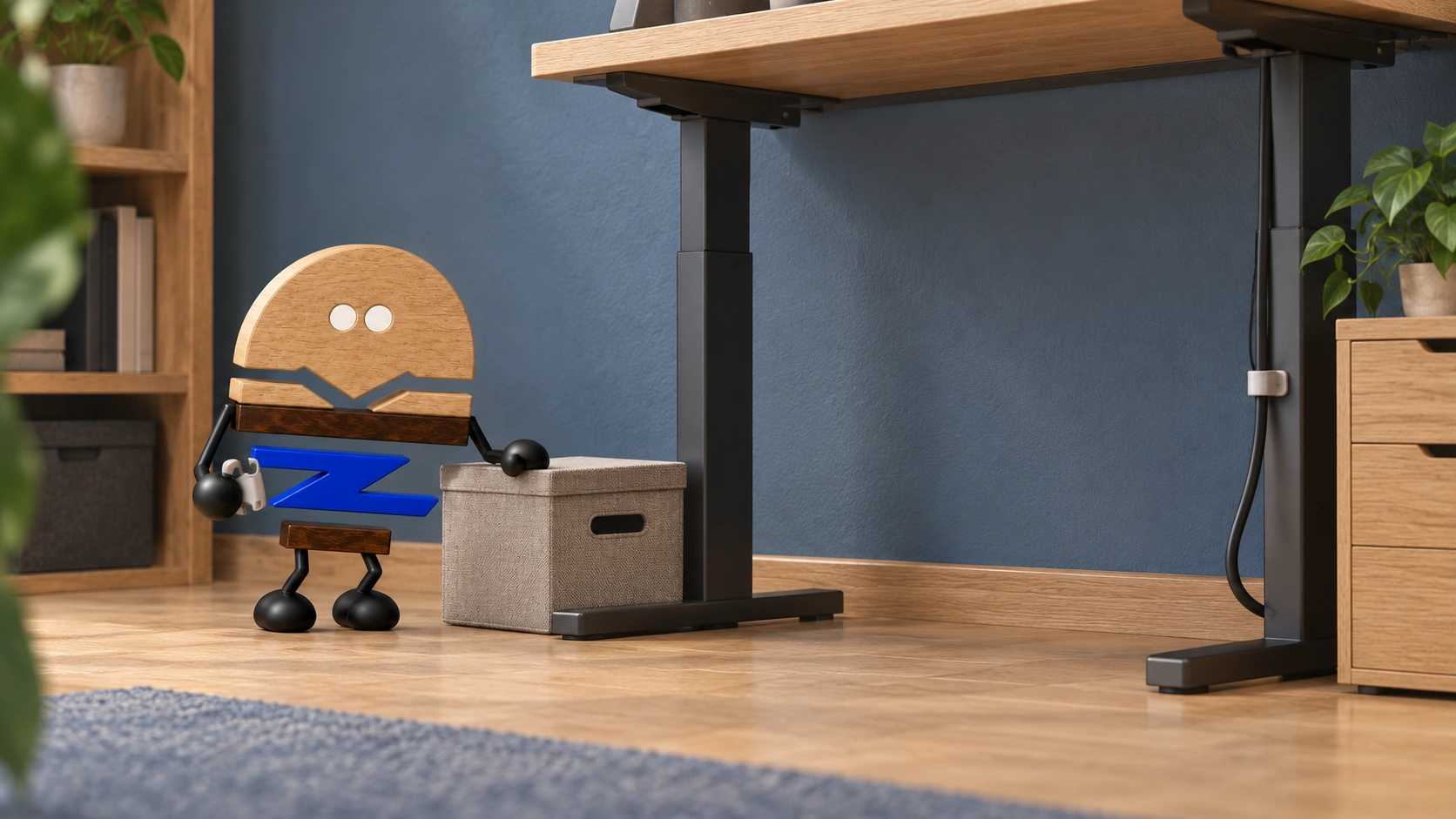
Original illustrations use the Meichun logo character and furniture to introduce product, component and spatial relationships.
- Eureka Ergonomic|ARK Executive Standing Desk|Official product page
The official combination of height adjustment and drawer storage provides a reference for moving desktops and fixed storage. Seated posture, retrieval and configuration checks are Meichun's selection and manufacturing observations.
View official source ↗ - Meichun|Meichun perspectives on selection and manufacturing · 2026-10-04
Meichun shares perspectives on selection and configuration through use scenarios, product relationships and manufacturing methods. Original illustrations introduce the arrangement of furniture, components and space.