
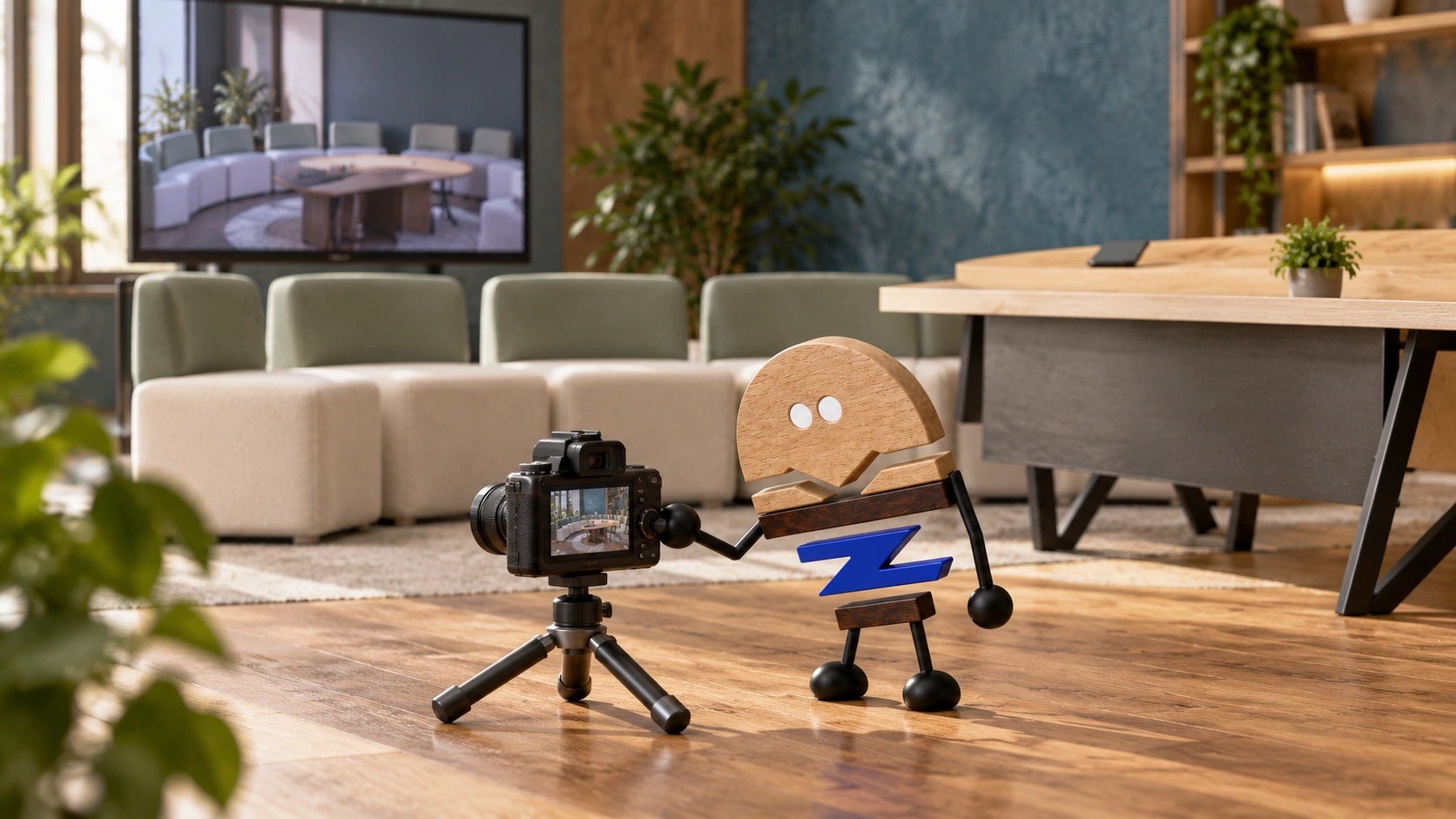
Seat levels, in-room and remote sightlines, equipment, power and cables need to work together, including after the space is rearranged.
Lounge chairs, sofas and mobile tables make collaboration spaces more relaxed, but participation still depends on specific relationships. Rear seats may have poor views of content, remote participants may see only part of the group, and equipment and cables may restrict mobile furniture. Begin with participation rather than furniture counts.
Steelcase's public introduction to Waverly at NeoCon 2026 discusses tiered seating, sightlines and tabletops that are not tied to a single device. Meichun takes this example as a starting point, looking at in-room viewing, the camera image, equipment and rearrangement together when planning a space.
01 · SIGHTLINE LEVELS
Seat heights should make room for sightlines.
Low seating, standard seating, higher seated postures and standing change sightlines between people and content. A front row that is too high can block the rear; a rear row that is too low may be harder to capture on camera. Varied levels alone do not establish usability at every key seat.
First locate the screen, main speaker and camera, then observe from each actual seat. Decisions to raise, stagger or turn seats should come from these checks rather than a mechanical arrangement of heights for visual composition.
For small groups with a single activity, a simple layout at one height can work. Complexity should respond to varied activities; tiered seating need not be a required form for hybrid collaboration.
Plan heights and placement around the furniture, users and equipment, considering installation positions, sightlines and everyday operation together.
02 · LIVE + REMOTE
What people see and what the camera captures are different sightlines.
In-room participants need to see screens, shared content and one another; remote participants need to understand the room through the camera image. Facing every chair towards the screen addresses one direction, but does not necessarily give remote participants a natural view of the conversation.
Suppose six people sit together, some sideways to the screen. Check content visibility from the outermost seats, then check the remote image. A seat may work in the room yet be blocked on camera by the front row, or appear clearly on camera while requiring continual turning to see documents.
Include the presenter's standing position and movement. Check whether speaking blocks the camera or content, and whether retrieving items crosses the main image, alongside the static seated arrangement.
Video collaboration layouts combine sightlines, microphone pickup and audio. Arrange screens, seating and equipment together to support in-person and remote conversations.
03 · DEVICE SUPPORT
Equipment can change while support requirements remain clear.
Furniture still needs to accommodate technology even when it is not tied to one device brand or model. Tabletops support laptops, temporary connections and other devices, with practical space for placing and operating them. General compatibility needs a defined scope.
Power entry, cable routes, connector orientation and access to connections and maintenance are configuration questions. When furniture moves but cables cannot follow, connections can still constrain the space.
Refine the equipment list as the scheme develops, recording electrical connections, device connections and installation positions clearly for coordination between teams.
04 · RECHECK AFTER MOVING
Recheck sightlines and connections after moving seats.
Rearrangement involves more than moving tables and chairs. In the new layout, participants still need clear screen views and camera coverage, with workable cable routes and circulation. Easy movement is useful only if the rearranged space works for its users.
Place the original and proposed layouts within the same floor-plan framework. Mark the directions in which people view content and cameras view people, then check obstructions, equipment positions and main circulation. Check what people can see from their seats and what remote participants see through the camera.
For example, switching from low-seated discussions to a standing briefing can change front-row positions. Even with movable furniture, check whether rear views become blocked, cables cross activity areas and the presenter retains an appropriate entry point.
Follow product instructions for movement and fixing, with changes to specialist systems handled by the responsible team. Avoid loosening construction or changing unapproved connections to achieve a temporary layout.
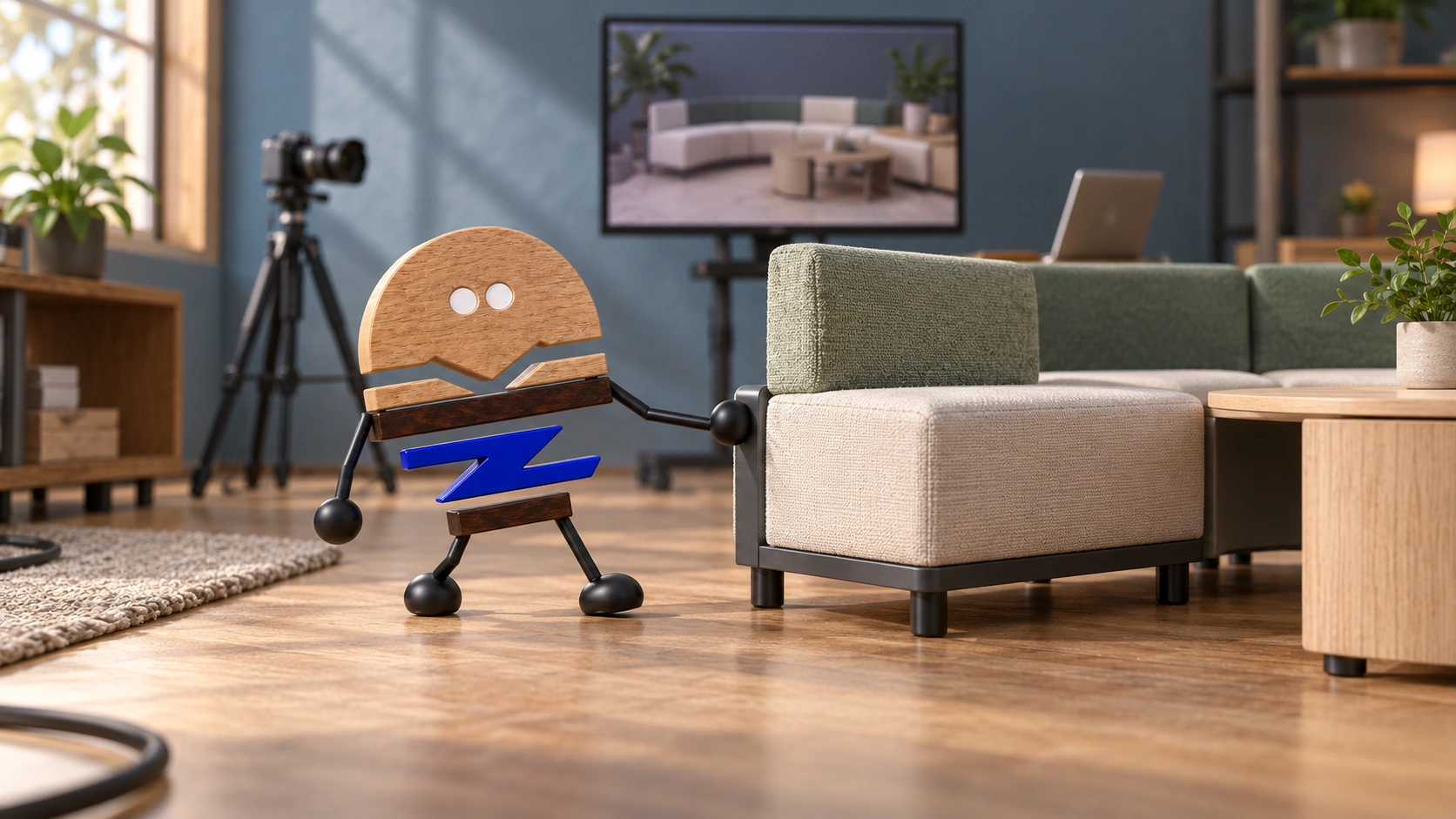
05 · COMPARE THE REAL ACTIVITY
Compare layouts through a real meeting.
Use the most common discussion, shared-content and temporary rearrangement situations, with observers both in the room and remotely. Record who needs to turn, who cannot see clearly, who is blocked and where connections are inconvenient, then adjust accordingly.
Compare schemes using the same tasks and key positions, rather than one empty and another fully occupied. Assess seating, conversation, equipment operation and maintenance routes.
Record the activities, furniture, equipment and limits to check in the final scheme. Keep the relaxed atmosphere while defining what each participant needs to join in fully. The aim is a few clearly defined modes that can be used and managed properly, rather than as many modes as possible.
After comparison, keep corresponding records of key seats and the remote image so others understand the layout choice. Recheck these relationships when moving furniture, rather than restoring only the approximate outline from a photograph, to preserve participation after layout changes.
PRACTICAL CHECKLIST
Put five questions on the same drawing before selection
Plans, elevations, equipment scope and furniture layouts need to answer these questions together.
- 01Collaboration modes
Which activities actually occur: low-seated discussions, formal meetings or standing briefings?
- 02Sightline subjects
Who needs to see whom or what among in-room participants, remote participants, screens and shared content?
- 03Seat heights
Do front and rear positions block one another, and are key seats within camera coverage?
- 04Equipment support
What sits on the tabletop, where does power enter, and how are cables and maintenance arranged?
- 05Rearrangement requirements
Which sightline, equipment and circulation relationships must remain effective after furniture moves?
Official brand product information informs the discussion of office furniture and space. Meichun perspectives and manufacturing notes express our views on products and making.
Original illustrations use the Meichun logo character and furniture to introduce product, component and spatial relationships.
- Steelcase|West Elm by Steelcase NeoCon 2026 / Waverly
Used to check official descriptions of hybrid collaboration, tiered seating, sightlines and tabletops not tied to one device. Equipment, power, cable and rearrangement checks are Meichun's observations.
View official source ↗